 DoNotLeak
For the curious
Don’t let your context leak: see what the AI gets instead.
DoNotLeak finds the personal data in what you are about to send — names, phone numbers, emails, addresses, IBANs — and replaces it before anything reaches an AI.
What you paste
Martin Dupont (06 39 98 12 34, martin.dupont@example.com) approves the budget.
What the AI receives
[[PERSON-1]] ([[PHONE-1]], [[EMAIL-1]]) approves the budget.
Free · No account · Nothing kept · No AI in the detection · Ten EU languages
How it works
Three gestures, and you keep the last word.
In your browser: no account, nothing to install.
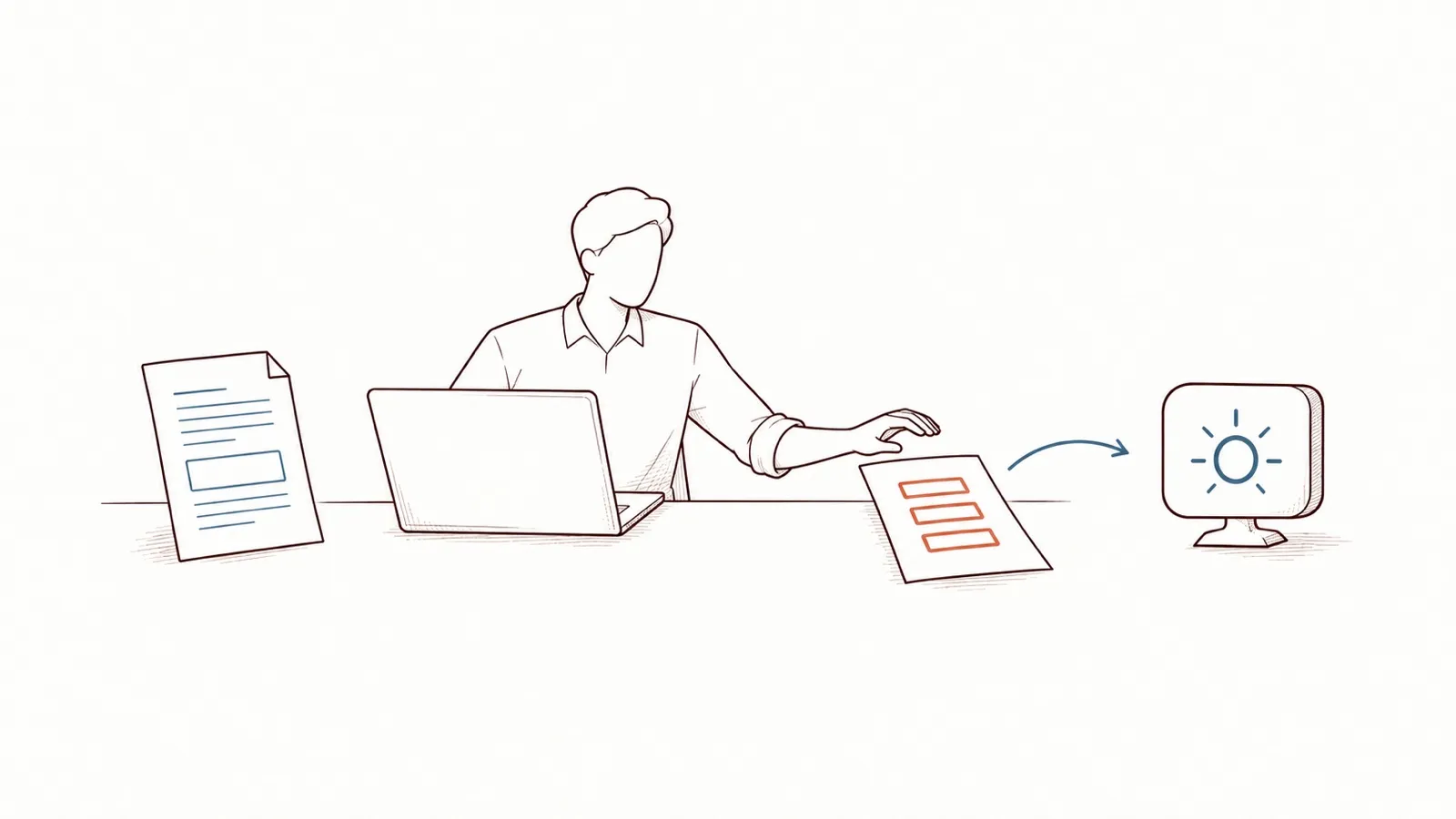
Paste or drop
A text, or a Word document (.docx). The detection runs as you type.
Check
Each detection is highlighted with its type. One click on a replacement keeps the original; the review view lines them all up.
Copy
Copy the protected text into any AI, or download the protected document.
Three ways to replace
Choose what the AI reads instead.
One sentence, three protected versions — recorded from the engine as it runs today, not written by hand.
What you paste
Martin Dupont (06 39 98 12 34, martin.dupont@example.com) approves the budget.
What the AI receives
[[PERSON-1]] ([[PHONE-1]], [[EMAIL-1]]) approves the budget.
Typed and numbered: the AI knows what each value is, never whose it is.
A date of birth, an address or an IBAN keeps its placeholder in every mode.
Put the real names back into the AI’s answer Soon
Showcase
Three everyday documents, through the engine.
The request people type every day, the document that goes with it, and what the AI receives. The documents are invented; the outputs are not.
Health
“Explain this medical letter to me.”
two names · a date of birth · an address · a phone number
Everyday life
“Tell me what to do with this letter.”
a name · an address · an IBAN · an email address
Sales
“Pull out the key points so I can answer this tender.”
a name · a phone number · an email address · an amount
Documents
What a file hides, you see.
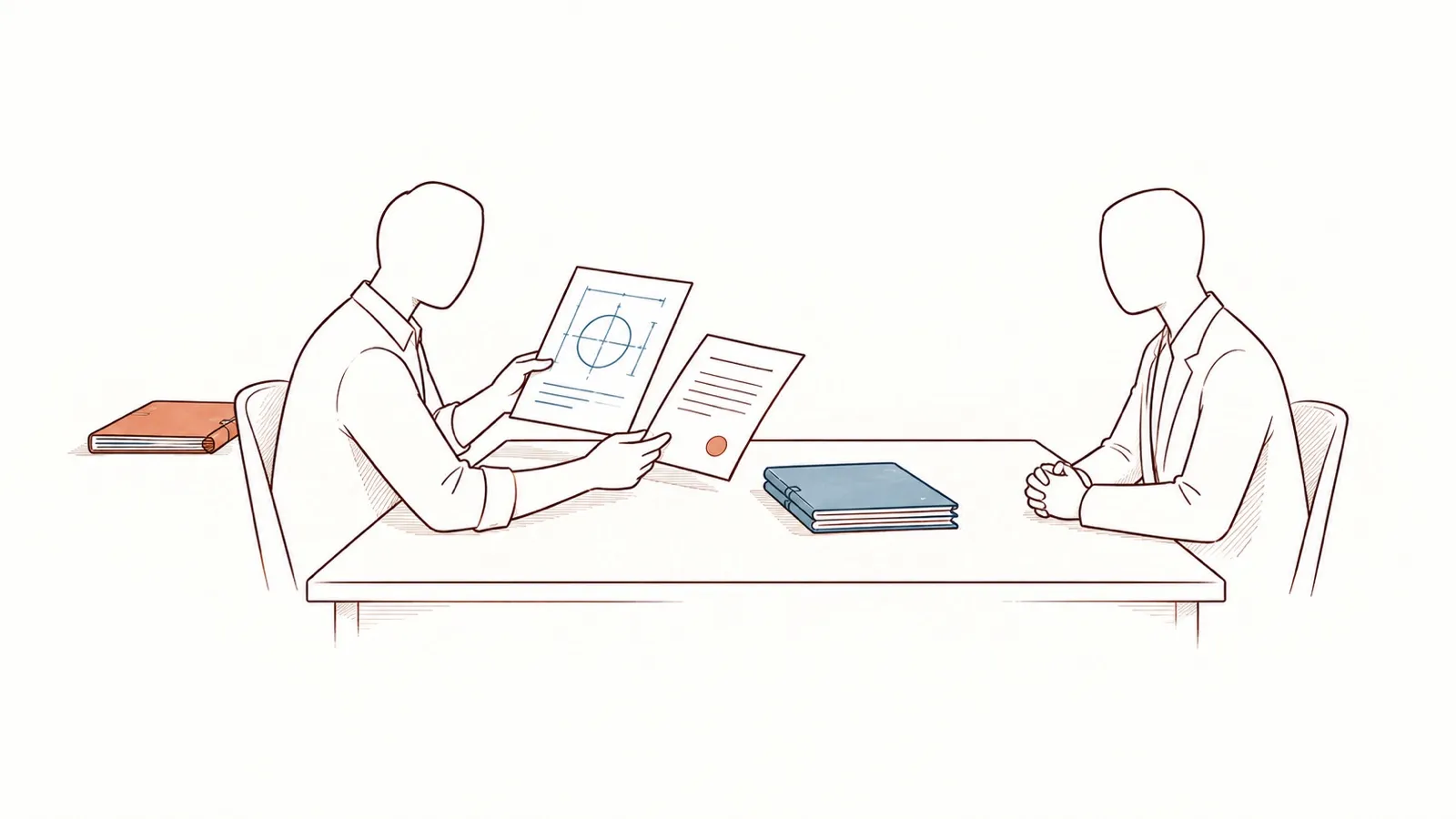
A Word document says more than its text.
The hidden layers and the rebuilt document
Its properties carry the author, the last person who edited it, the company, the title and the keywords — invisible when you read it, sent along with it.
DoNotLeak shows these hidden layers beside the body and protects them like the text. The document you download is rebuilt: the protected body, fresh properties — and what it leaves out, the page tells you.
Word (.docx) today
Your questions
What people ask before they try it.
Is it free? What is the catch?
The page is free and asks for no account and no email address. The site sets no audience-measurement or advertising cookie, and your settings stay in your browser. What pays for it: the offers to organisations, such as hosting on their own servers.
Where does my text go?
To our server, with OVH SAS, a French host, encrypted in transit. It is analysed there in memory and dropped with the request: never written to disk, never logged. With every new release, a test sends a marker text through the server and fails if the logs show it.
Is it AI?
No. The detection runs on formats, rules and dictionaries of names and places: every detection can be explained. No language model reads your text, and no third-party service is called.
Does it replace my AI?
No: it protects what you send to it. You copy the protected version into the assistant of your choice, and work as before.
Does it really work?
Every detection misses something: that is why each finding is highlighted with its type, and you read before you send. DoNotLeak is built in France by Contee; each change to the detection is measured on a frozen corpus of documents, before and after.
For an organisation
A person on the page, a program through the API.
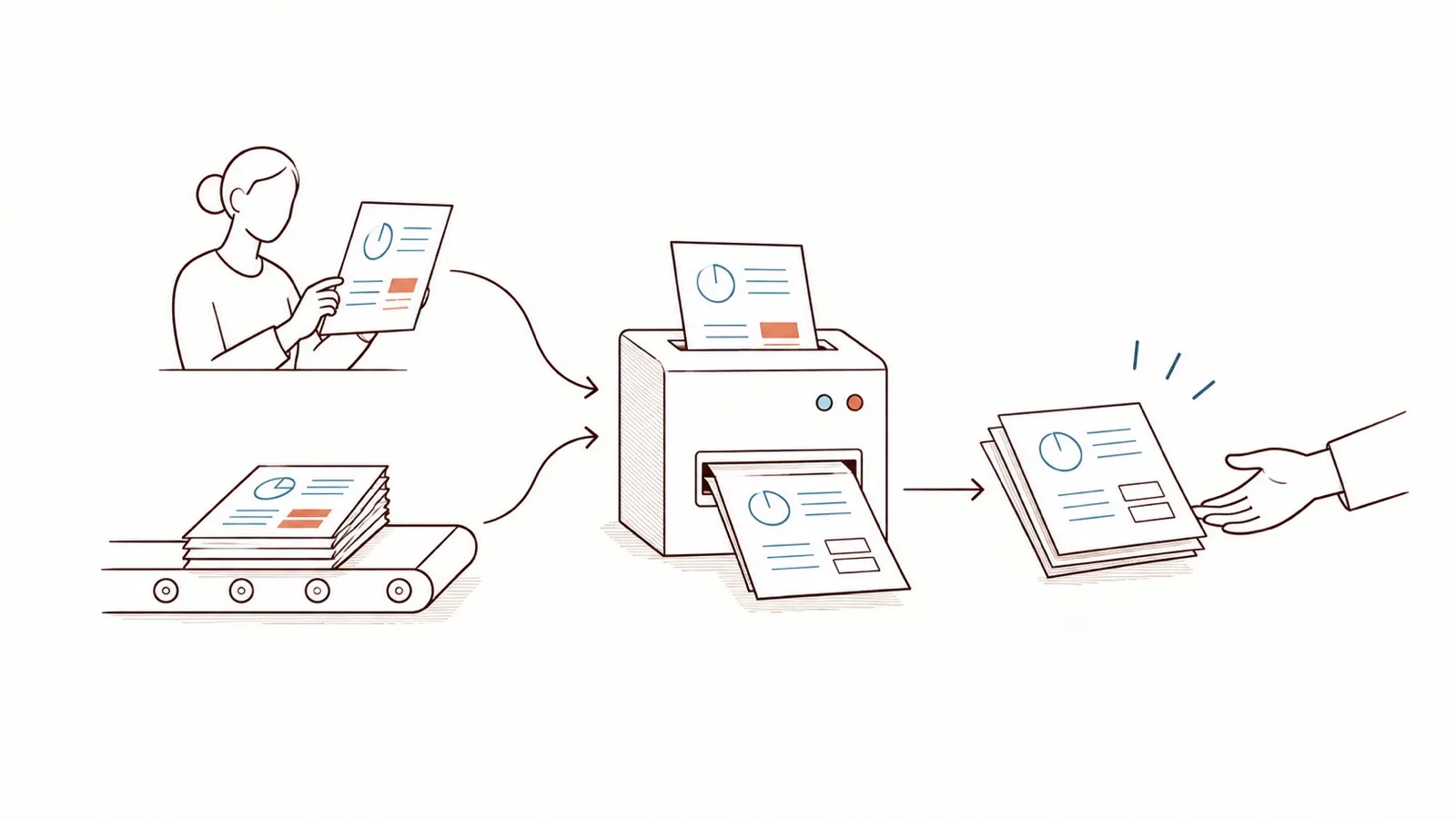
On the page, a person pastes a text and checks it. An organisation can also run the same engine on its own servers: its programs call it before they send a document to an AI.
Protect a text now.
Paste it, read what was found, copy the protected version: no account, and nothing is kept.